60 FPS Coloring Videos for Shorts: Capture, Edit & Export Settings
60 FPS Coloring Videos for Shorts: Capture, Edit & Export Settings
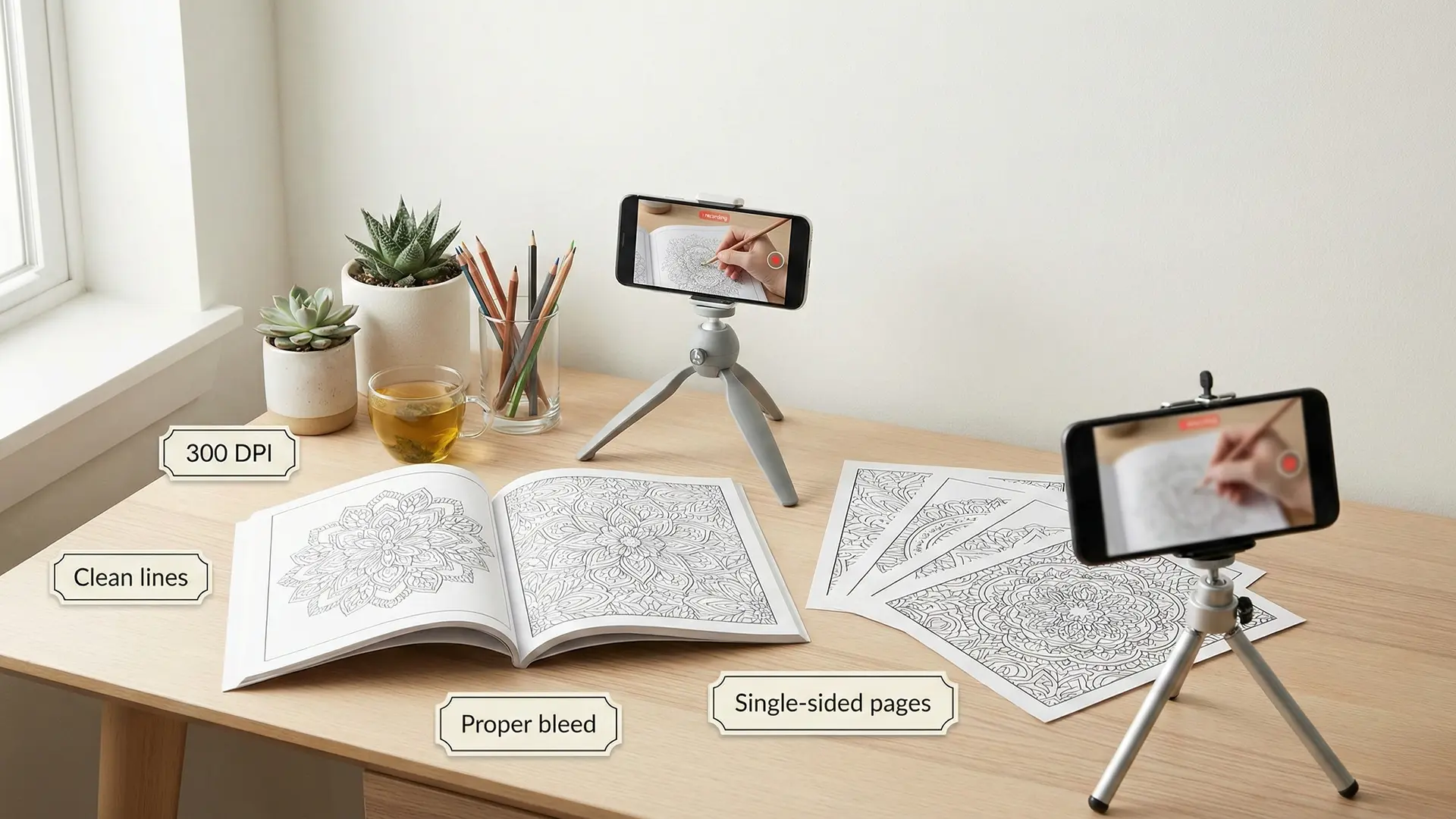
60 FPS coloring video production hero
Viral success on TikTok and Instagram requires more than just good art—it requires high-quality video production. Before you can market your coloring book, you must first ensure the physical product is technically perfect. This guide covers the entire pipeline: from KDP production standards to the capture settings needed for buttery-smooth 60 FPS video.
1.0 The Foundation: A Market-Ready Product
You cannot market a flaw. Before filming, your physical book must meet professional standards to look good on camera.
1.1 The Business Model: Print-on-Demand (POD)
- Zero Risk: POD eliminates inventory costs, allowing you to test niches without financial risk.
- The Trade-off: POD has high per-unit costs, unlike bulk offset printing (used for $3.99 books).
- Strategy: Use POD to validate your designs and build a brand before scaling.
1.2 Tool Selection
- Professional: Affinity Suite (now by Canva) or Adobe InDesign offer the best quality but have a steep learning curve.
- Beginner: Canva is a decent option for interiors and covers.
- AI Tools: createcoloringbooks.ai can generate images and layouts, saving design costs.
Warning: Be cautious of tools like Book Bolt, which some users criticize for payment issues and aggressive affiliate marketing.
2.0 Technical Specs: The “Camera-Ready” Look
A book with printing errors (white gaps, pixelation) will fail on high-definition video.
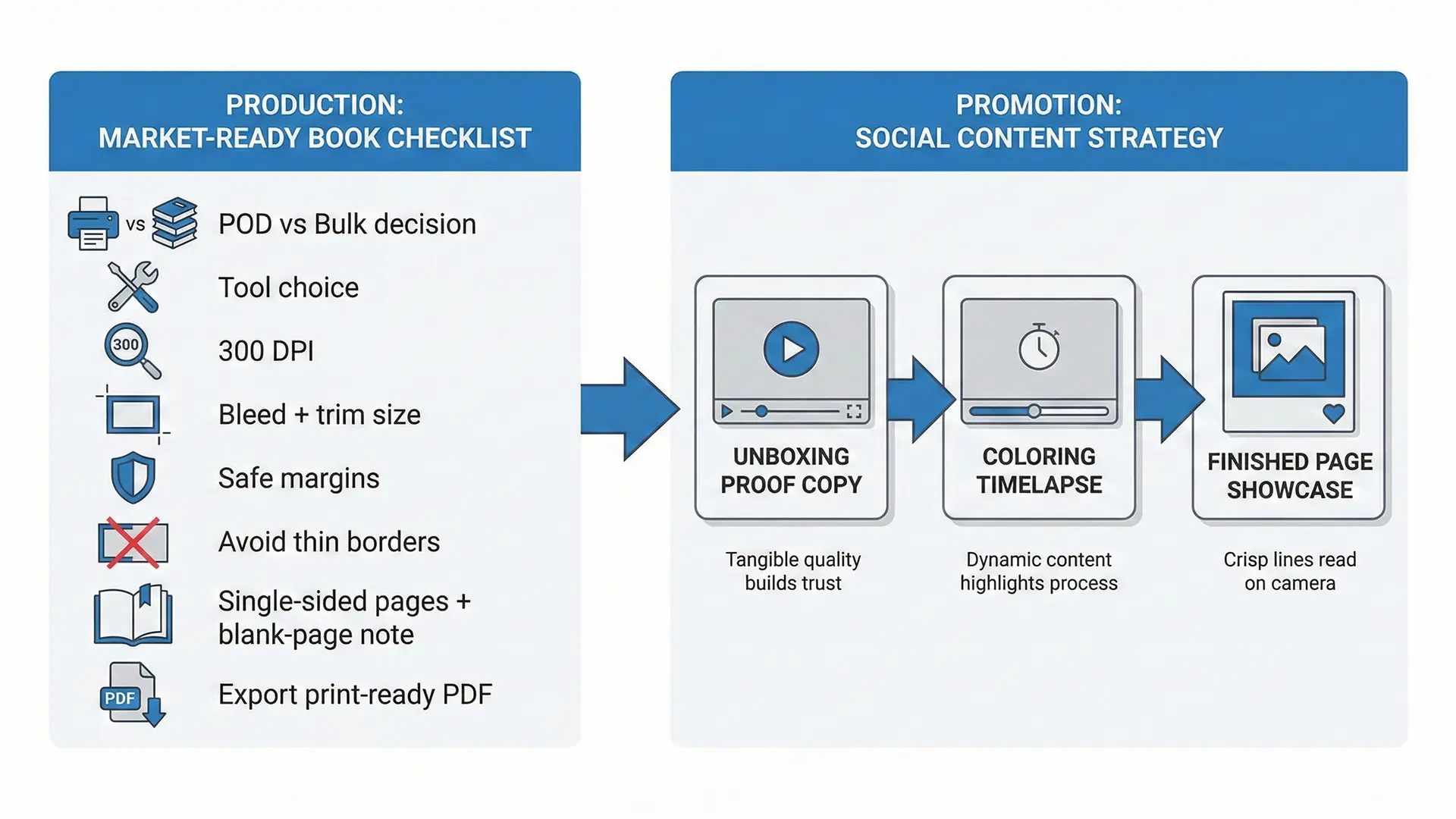
KDP technical specifications for video-ready books
2.1 Resolution & Sharpness
- 300 DPI Rule: Ensure all images are 300 DPI. Higher resolutions (e.g., 600 DPI) can paradoxically cause jagged lines when resized by KDP.
- Text Layering: Never flatten text into images. Keep text as a separate layer on top of images to ensure it remains sharp and readable in 4K video.
2.2 Bleed & Margins
- Bleed: Add 0.125” (3mm) to outer edges (e.g., 8.625” x 11.25” for an 8.5x11 book) to prevent ugly white slivers.
- Safe Zone: Keep critical artwork at least 0.325” from the trim edge.
- No Borders: Do not use printed borders; slight trimming shifts make them look uneven on camera.
2.3 The “No-Bleed” Layout
- Single-Sided Pages: Print illustrations on one side only to prevent marker ink from ruining the reverse side.
- The Note: Add “This page intentionally left blank to avoid bleed-through” on the back to signal quality to viewers.
3.0 Production Pipeline: From Book to Video
Once your book is printed correctly, use this pipeline to capture it for social media.
3.1 Pre-Launch Checklist
- Design: Created professionally using Affinity/Canva.
- Resolution: Verified 300 DPI for crisp macro shots.
- Bleed: Document size includes 0.125” bleed margins.
- Export: Final file is a print-ready PDF.
With a flawless physical product, you are now ready to film satisfying coloring timelapses and unboxing videos—the core content engines for viral growth on TikTok and Reels.
Quick Checklist (Video-Ready Book)
- Physical Product: Does the book lay flat and look professional?
- Paper Quality: Is it single-sided to allow for heavy marker use in videos?
- Line Quality: Are lines crisp (Vector/300 DPI) without pixelation in close-ups?
- Framing: Is the artwork centered without uneven borders?