Canva vs CBE for Coloring Books: Templates, Print Specs & Automation
Canva vs CBE for Coloring Books: Templates, Print Specs & Automation
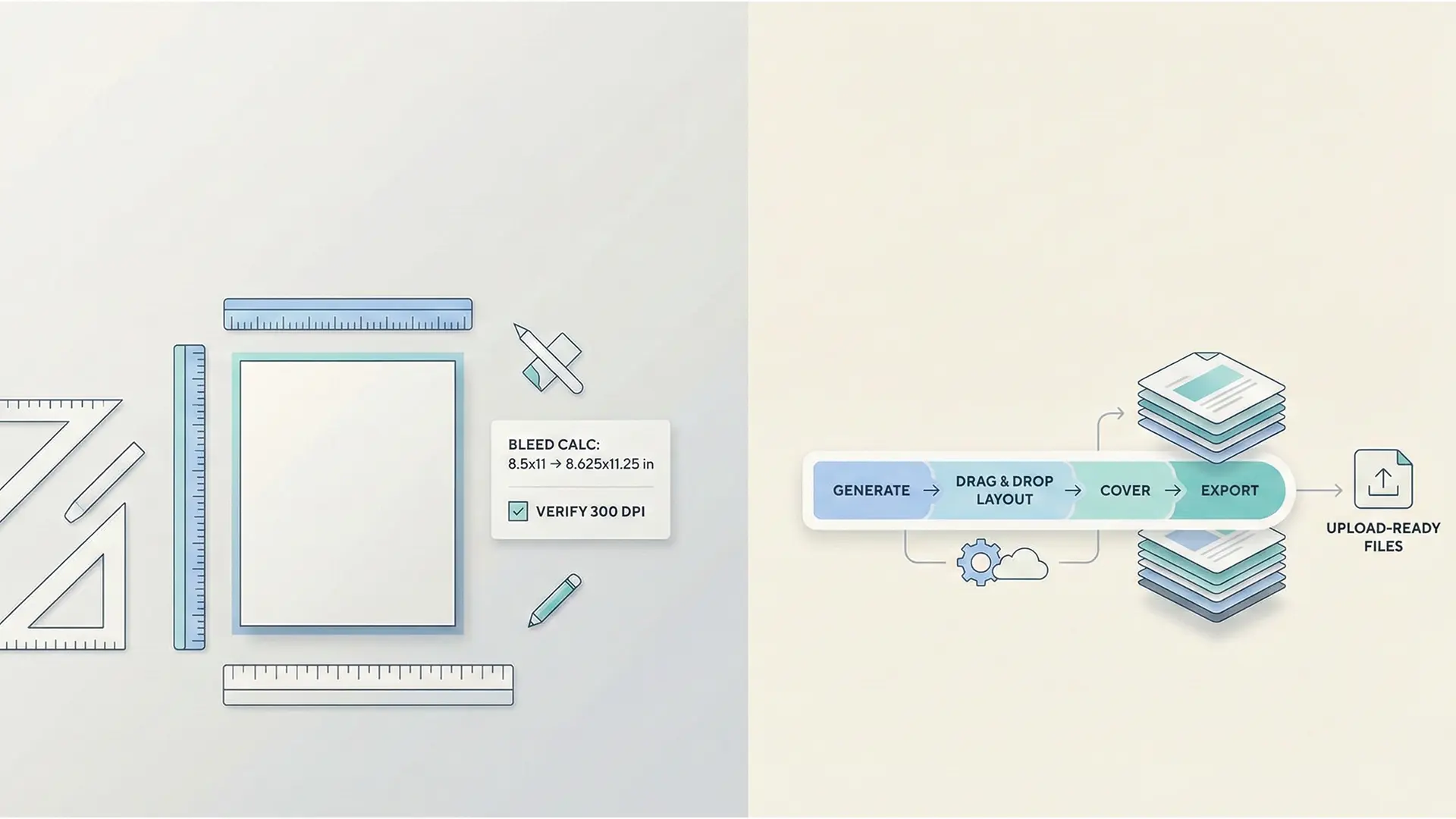
Canva vs CBE workflow comparison hero
For KDP coloring book creators, the choice is between Manual Control (Canva) and Automated Speed (CBE). This guide compares workflows, print-spec compliance (Bleed/DPI), and which tool best fits your publishing strategy.
1.0 The Non-Negotiables: Print-Ready Specs
Before choosing a tool, you must understand the technical requirements that cause most KDP rejections.
1.1 The “Bleed” Imperative
- Bleed: Extending artwork 0.125” (3mm) beyond the trim line to prevent white edges during cutting.
- The Math: For an 8.5” x 11” book, your file must be 8.625” x 11.25”.
- Resolution: All images must be 300 DPI to avoid pixelation.
Failure Point: If you upload a file without bleed to KDP (set to 8.5x11 exactly), you will likely get white slivers or rejection errors.
2.0 The Manual Path: Canva
Canva is a generalist design tool. It offers limitless creativity but requires you to act as the “print technician.”
2.1 Manual Setup Risks
Canva has no built-in “KDP Coloring Book” preset. You must: 1. Calculate Dimensions: Manually create a custom canvas size (e.g., 8.625” x 11.25”). 2. Manage Margins: Manually place guides to ensure content stays 0.375” inside the trim line. 3. Export Settings: You must select “PDF Print” and manually check “Flatten PDF” to prevent layer shifts.
2.2 Asset Sourcing
You are responsible for finding images. While Canva has a library, many users worry about copyright on unmodified stock assets. You must mix and match elements manually.
3.0 The Automated Path: CreateColoringBooks.ai (CBE)
CBE is a specialist tool designed to automate the technical hurdles of KDP.
3.1 Automation Features
- Integrated AI: Generates coloring pages directly inside the tool, removing the need to source external assets.
- Drag-and-Drop Layout: Visual assembly of pages without manual file management.
- “Upload-Ready” Export: The core value proposition. CBE exports files that are already formatted with correct bleed and margins for KDP, minimizing technical rejections.
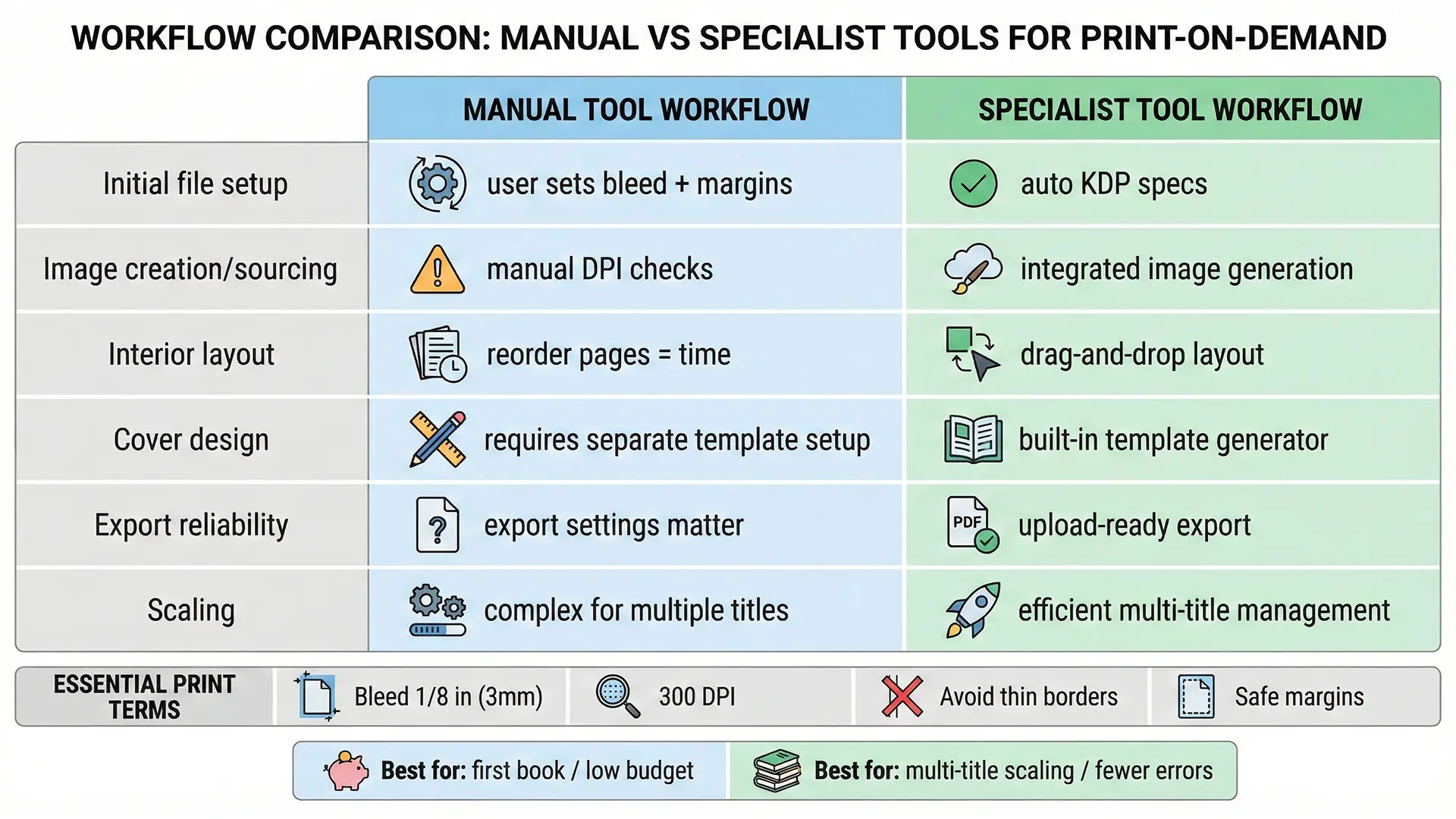
Automation vs Manual workflow comparison table
4.0 Head-to-Head: Workflow Efficiency
| Feature | Canva (Manual) | CBE (Automated) |
|---|---|---|
| File Setup | Manual: Must calculate 8.625” x 11.25” yourself | Automated: Pre-set for KDP compliance |
| Content | Manual: Search & arrange library elements | Integrated: AI generation + boilerplate templates |
| Layout | Manual: Page-by-page design | Drag & Drop: Visual book assembly |
| Cover | Manual: Must calculate spine width separately | Integrated: Basic cover creator included |
| Best For | Custom/Unique Designs | Volume/Scaling |
5.0 Strategic Verdict: Which Tool Wins?
- Choose Canva If: You are a beginner with $0 budget or an artist wanting total creative control. You are willing to learn the technical specs (Bleed/DPI) manually to save money.
- Choose CBE If: You are a publisher focused on scale. You want to produce multiple titles quickly and are willing to pay for a tool that removes the risk of technical errors.
Quick Checklist (Tool Selection)
- Budget: $0 (Canva Free) vs Paid Subscription (CBE)?
- Tech Skill: Can you calculate bleed (8.625”) manually? (If no, CBE is safer).
- Volume: Are you making 1 book (Canva) or a series (CBE)?
- Content: Do you need AI generation (CBE) or custom layout (Canva)?
Related documentation
- Compare the dedicated book workflow overview before choosing a layout tool.
- Use the KDP-compliant interior PDF export guide for print-ready PDF requirements.