Single-Sided KDP Interior: Prevent Ink Bleed-Through (Blank Backs)
Single-Sided KDP Interior: Prevent Ink Bleed-Through (Blank Backs)
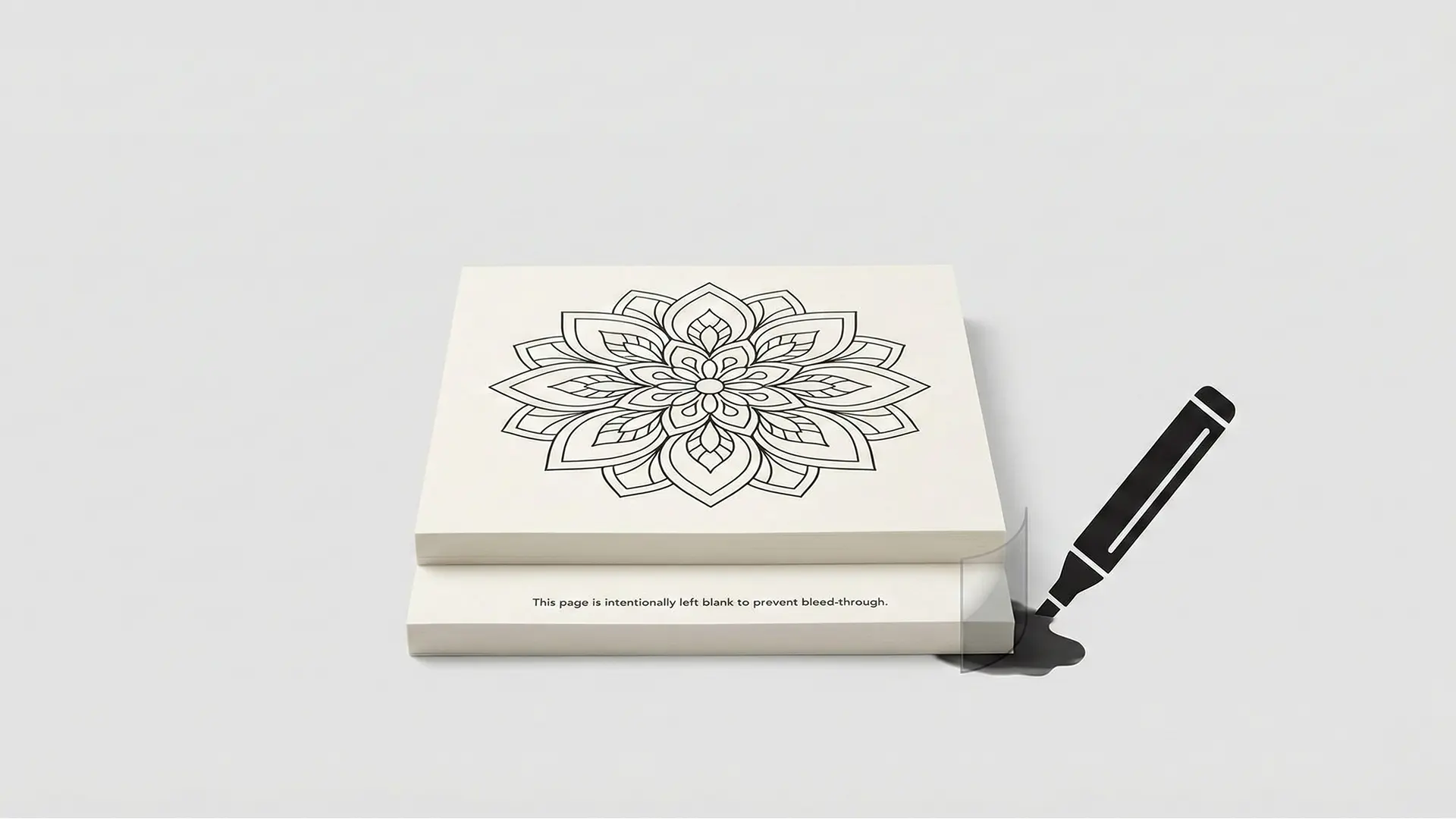
Single-sided coloring book layout hero
Preventing ink bleed-through is the single most effective way to improve customer satisfaction for POD coloring books. This guide covers the essential single-sided layout strategy, page sequencing, and the critical difference between “ink bleed” and “print bleed.”
1.0 The Core Challenge: Ink Bleed vs. Print Bleed
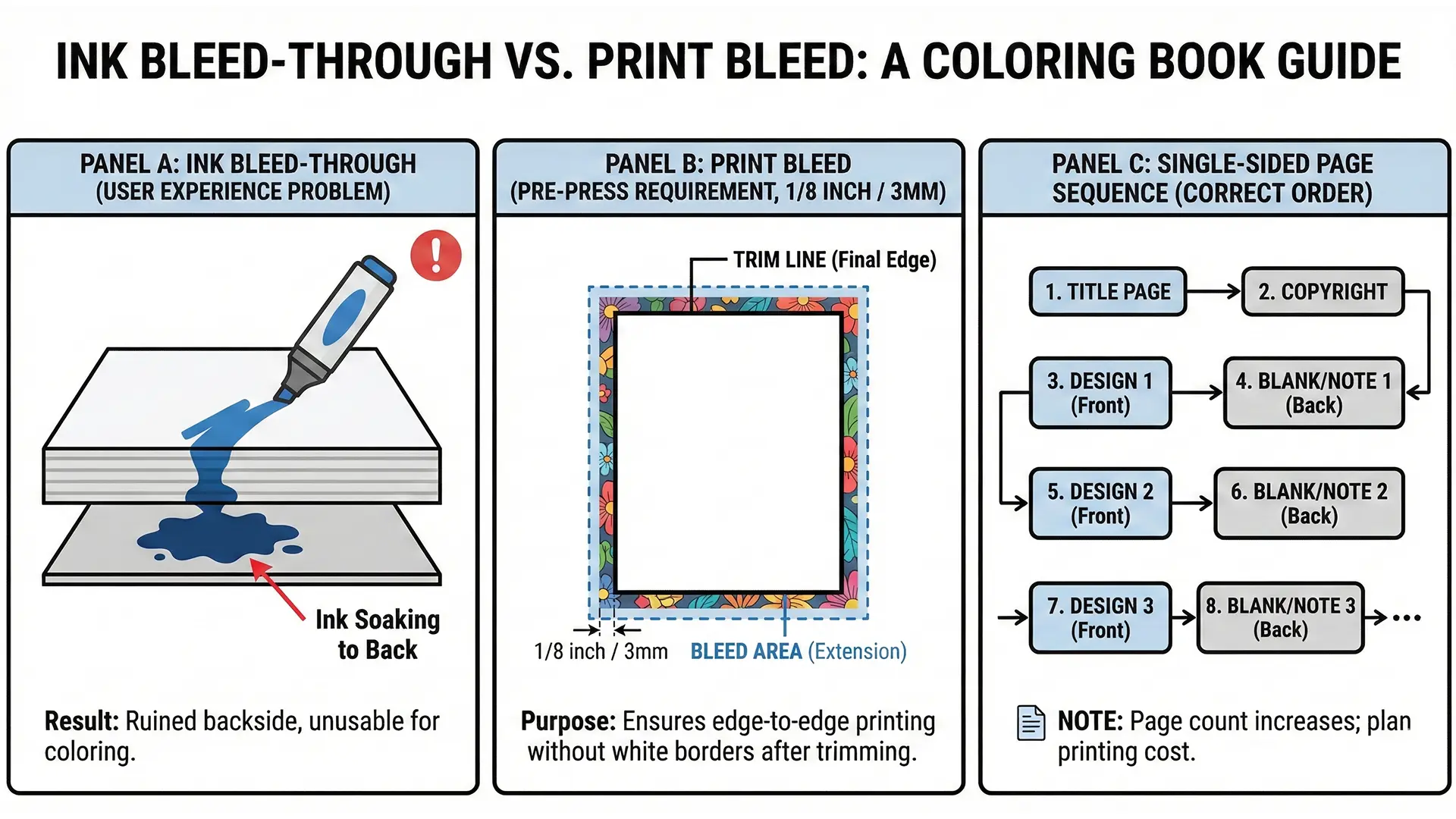
For self-published creators, overlooking the physical limitations of Print-on-Demand (POD) paper leads to negative reviews. To fix this, you must first distinguish between two easily confused terms:
- Ink Bleed-Through (The Problem): A post-production flaw where markers soak through the paper, ruining the design on the back. This is a user experience issue.
- Print Bleed (The Requirement): A pre-press technical spec where artwork extends 0.125” (3mm) beyond the trim line to prevent white edges after cutting.
| Feature | Ink Bleed-Through | Print Bleed |
|---|---|---|
| Context | User Experience (Coloring) | Manufacturing (Trimming) |
| Cause | Alcohol markers saturating paper | Guillotine cutter variance |
| Solution | Single-sided layout | Extending artwork 0.125” |
2.0 The Strategic Solution: Single-Sided Layouts
The industry standard for professional coloring books is the Single-Sided Interior. By printing designs on only one side of each sheet, you effectively “waste” the back of the page to save the user’s art.
Benefits of Single-Sided Pages
- Medium Freedom: Users can use heavy alcohol-based markers or gel pens without fear of ruining the next image.
- Art Preservation: The customer never has to choose between two designs on the same sheet.
- Utility: The blank back serves as a “scratchpad” for testing color palettes or doodling.
3.0 Practical Implementation: Setting Up Your File
Adopting this layout requires a specific page sequence and file setup.
Single-sided page ordering diagram
3.1 The Repeating Sequence
Your interior PDF should follow a strict alternating pattern after the front matter (Title/Copyright):
- Right Page (Odd): The Illustration
- Left Page (Even): Blank (or Patterned) Backing
- Repeat
Example: Title Page, Copyright Page, Design 1, Blank 1, Design 2, Blank 2…
3.2 The “Intentionally Left Blank” Note
Leaving a page 100% white can confuse some buyers. Add professional text (e.g., 8pt Helvetica) at the bottom center of the blank pages to explain the feature.
Recommended Text Templates: * “This page is intentionally left blank to prevent bleed-through.” * “To protect your artwork, the reverse of this page is blank.” * “Feel free to test your colors on this page.”
3.3 Page Count & Cost Implications
Remember that KDP has a 24-page minimum. A single-sided layout effectively doubles your page count. * Math: 40 Designs + Title + Copyright = 82 Pages Total (40 designs + 40 blank backs + 2 front matter). * Impact: This increases printing costs slightly but justifies a higher price point due to perceived quality.
4.0 Conclusion
The single-sided layout is a mark of a professional publisher. It transforms the limitation of thin POD paper into a premium feature, ensuring that every customer—whether they use pencils or heavy markers—has a frustration-free experience.
Quick Checklist (Bleed Prevention)
- Sequence: Organized file as [Design Page] -> [Blank Page] -> [Design Page].
- Notice: Added “Intentionally left blank” text to the back of every sheet.
- Count: Verified total page count meets KDP minimum (24 pages).
- Margins: Kept text/notes inside the safe zone (0.375” from edge).
- Export: Saved as a single PDF file containing both designs and blank pages.