Local GPU Generation for Coloring Books: Privacy, Speed & Cost Control
Local GPU Generation for Coloring Books: Privacy, Speed & Cost Control
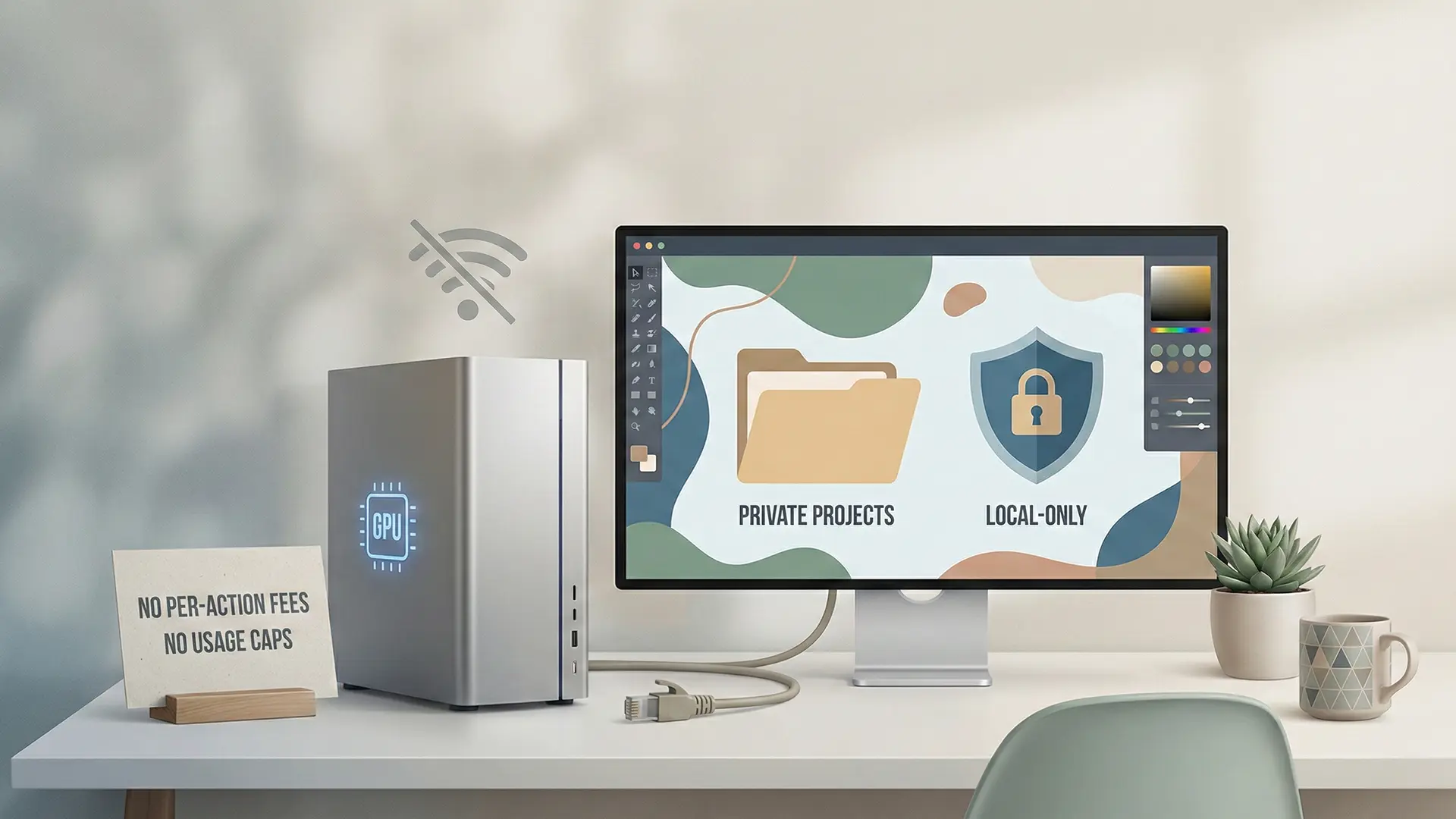
Local GPU vs Cloud AI workflow comparison hero
For creators concerned about data privacy and recurring costs, the solution isn’t in the cloud—it’s on your desk. This guide explores how shifting to a Local GPU workflow (BYOK) empowers unlimited, private coloring book generation.
1.0 The Creator’s Dilemma: Cloud vs. Local
Creators face a strategic choice: convenience (Cloud) or control (Local).
1.1 The “Affinity 3.0” Warning
The acquisition of Affinity by Canva has sparked fear of a “freemium” future where AI features are locked behind subscriptions. * Cloud Risk: Your data is processed on external servers, raising concerns about AI training usage. * Local Solution: Processing files locally ensures zero data leakage. As Affinity stated, “users’ projects would not be used to train AI models” if kept offline.
Comparative Analysis
| Feature | Cloud (Subscription) | Local GPU (BYOK) |
|---|---|---|
| Data Privacy | Vulnerable (Server-side processing) | Secure (On-device) |
| Cost Model | Recurring Monthly Fees | One-time Hardware Investment |
| Limits | Usage caps / Credit systems | Unlimited Generation |
| Offline Use | Impossible | Full Functionality |
2.0 Unlocking Performance: The Local Advantage
Why buy a GPU? Because it replaces the “rented” power of the cloud.
2.1 Infinite Iteration
Local processing removes the “cost-per-click” anxiety. * Case Study: A user created the “Image DeColouriser” tool to strip color from thousands of images locally. This would have cost hundreds of dollars in API credits but was free on their local machine.
2.2 Security as a Feature
For B2B or sensitive projects, a local workflow guarantees that proprietary artwork never leaves your machine.
3.0 Production Workflow: Local KDP Execution
Generating images locally is step one. Publishing them requires strict adherence to KDP specs.
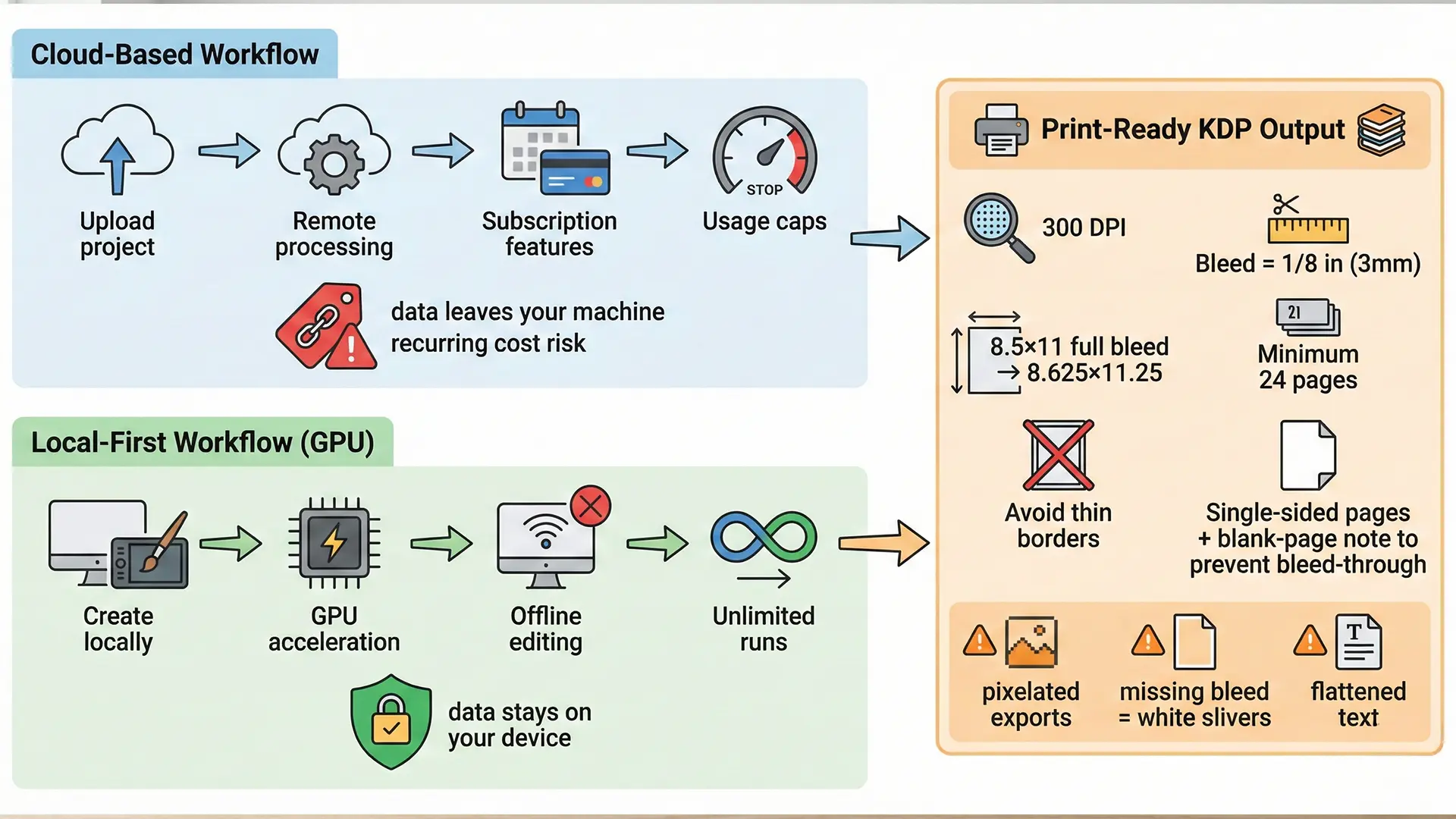
Local production workflow for KDP coloring books
3.1 Pre-Press Non-Negotiables
- Bleed: You must extend artwork 0.125” (3mm) beyond the trim line.
- 8.5” x 11” File Size: 8.625” x 11.25”.
- Resolution: 300 DPI is mandatory. Do not go higher (processing issues) or lower (pixelation).
- Layout: Use single-sided pages to prevent marker bleed-through, a common complaint on KDP paper.
3.2 The Local Checklist
- Software: Use Affinity Publisher (desktop version) for layout.
- Generation: Use local Stable Diffusion (or similar) for asset creation.
- Export: Generate a print-ready PDF directly from your machine, ensuring no cloud compression artifacts.
4.0 Financial Reality: ROI of Local Hardware
KDP is a “Print-on-Demand” model, meaning high per-unit costs. You cannot compete with $3.99 bulk books on price, so you must compete on margin.
- OpEx Reduction: By eliminating monthly software subscriptions (Canva Pro/Adobe), you lower your break-even point.
- Hardware ROI: A GPU is a capital expense (CapEx) that pays for itself by eliminating ongoing AI generation fees.
Quick Checklist (Local Workflow)
- Hardware: Do you have a GPU capable of local generation?
- Software: Installed Affinity Publisher (or non-subscription alternative)?
- Privacy: Confirmed work is saved to local drive only?
- Specs: Document set to 8.625” x 11.25” (Bleed included)?
- Layout: Set pages to single-sided?